Image to Formula converts equation photos and screenshots into editable LaTeX with a live preview.
Images are uploaded for server-side recognition. The tool transcribes notation; it does not solve equations or verify the math.
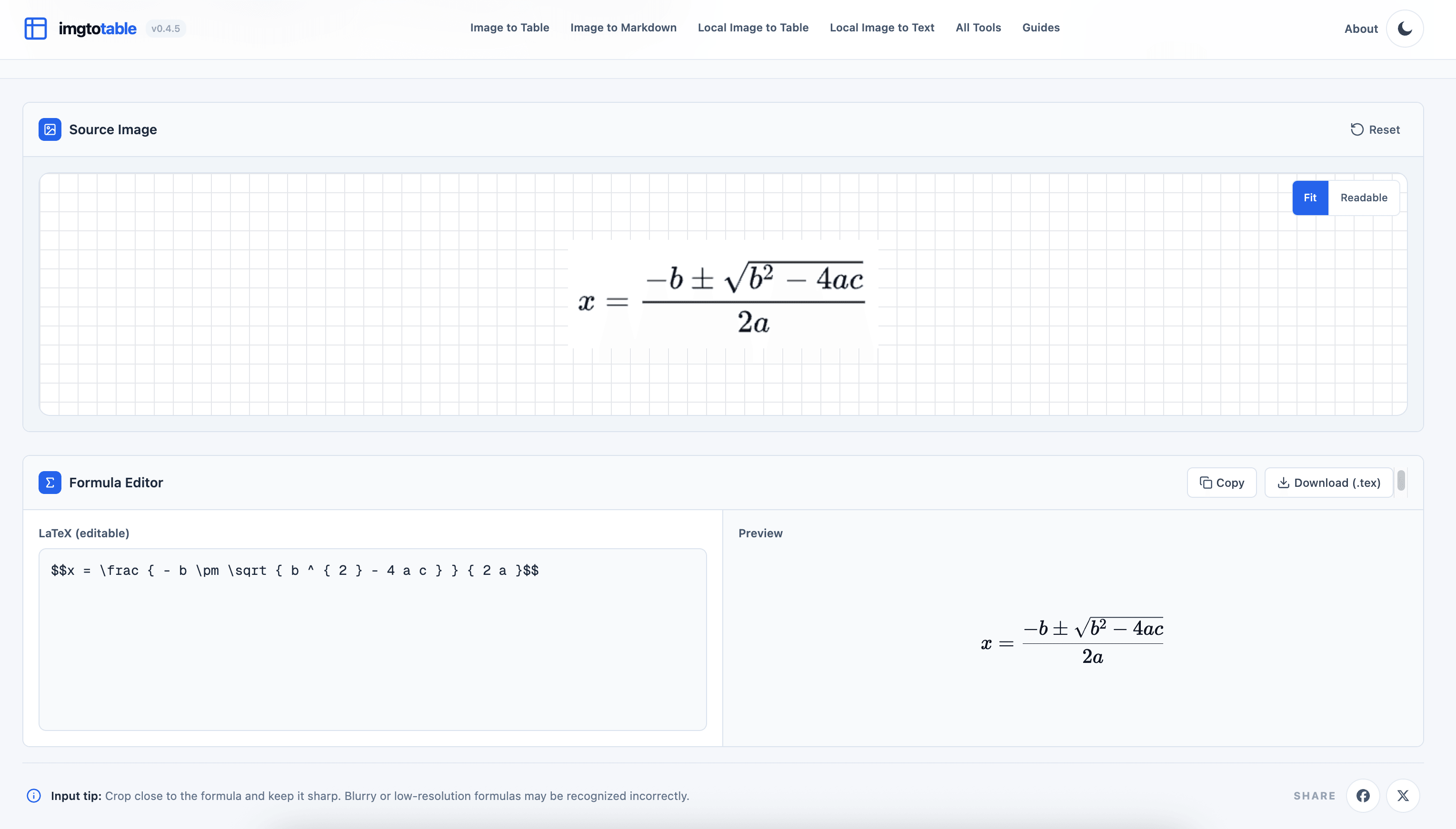
Convert in Three Steps
- Capture and upload. Crop a screenshot or photo to the equation, then upload it to Image to Formula.
- Review and edit. Compare the preview with the image. Correct symbols, subscripts, superscripts, and grouping in the LaTeX editor; the preview updates live.
- Export. Copy the LaTeX or download a
.texfile. Check how it renders in your destination editor.
For example, the quadratic formula becomes:
x = \frac{-b \pm \sqrt{b^2 - 4ac}}{2a}
Use the result in LaTeX documents or math-enabled Markdown editors and notebooks. Add math delimiters such as $$ ... $$ where your editor requires them.
Tips for Best Accuracy
- Capture one complete equation, keeping fraction bars and exponents inside the crop.
- Use a sharp, level image with even lighting and no glare.
- Review handwriting especially carefully for ambiguous symbols.
Related Tools
- Image to Markdown: extract surrounding text as well as math.
- Image to Text: recognize plain text locally in your browser.