Typing LaTeX by hand is slow and unforgiving. One misplaced brace breaks the whole equation, and remembering whether it is \frac or \dfrac, \int or \oint interrupts your flow every single time.
If the formula already exists — in a textbook, on a whiteboard, in a paper, or in a screenshot — there is a much faster way: take a picture of it and convert it straight to LaTeX.
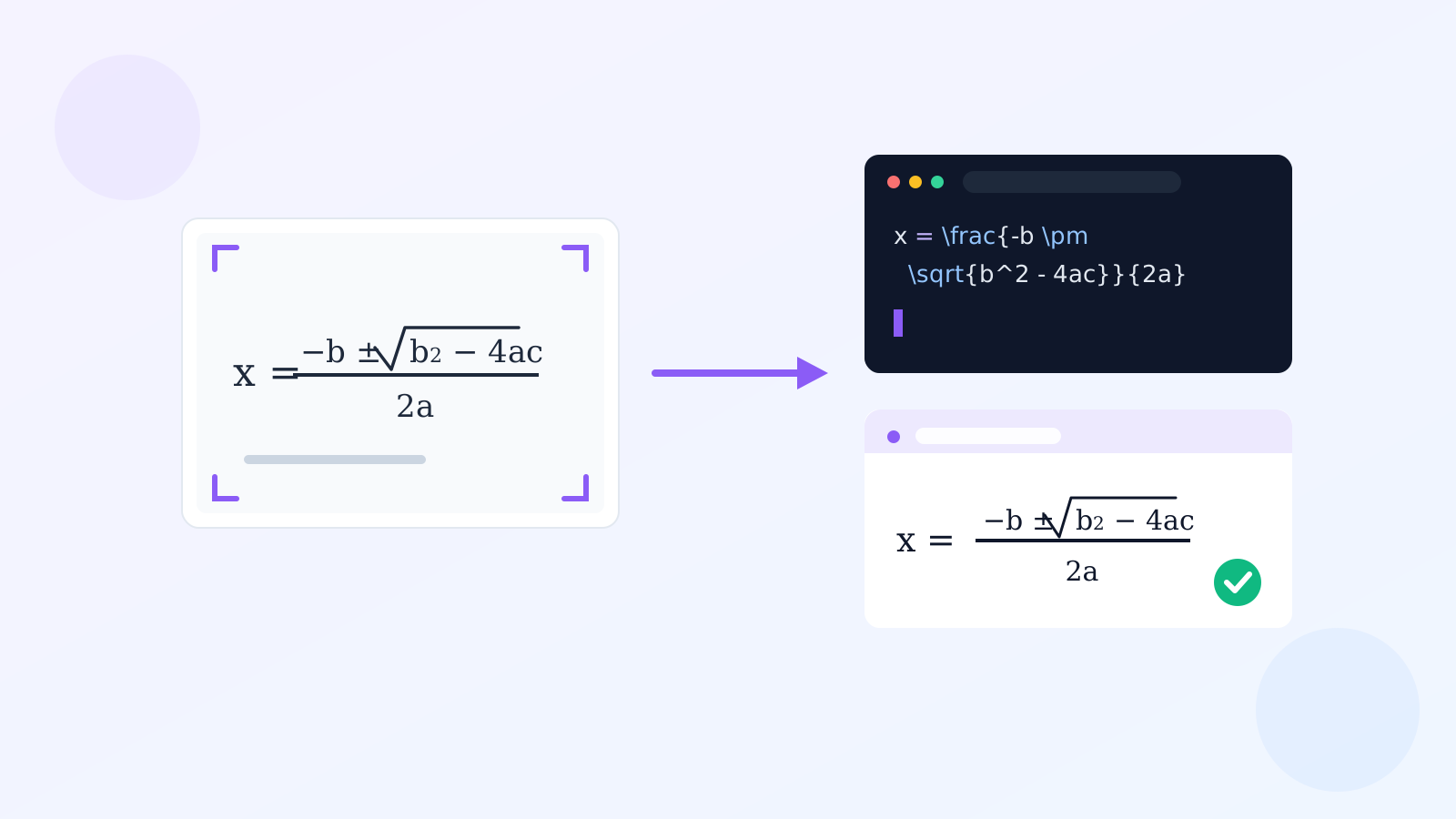
How the Image to Formula Tool Works
The Image to Formula tool uses a specialized OCR model tuned for mathematical notation. The workflow:
- Upload a screenshot or photo containing the formula.
- The model reads the math — symbols, subscripts, superscripts, fractions, radicals — and outputs LaTeX source.
- You see an instant rendered preview (typeset exactly like it would appear in a paper) next to the editable LaTeX source.
- Edit if needed, then copy the LaTeX or download it as a
.texfile.
Step by Step
Step 1: Capture the formula
- From a PDF or web page: screenshot the equation region (
Cmd + Shift + 4/Win + Shift + S). - From paper or a whiteboard: take a photo. Hold steady, fill the frame with the formula, and avoid glare.
Step 2: Upload and convert
Drop the image into Image to Formula. Within a few seconds you get the LaTeX, for example a photo of the quadratic formula becomes:
x = \frac{-b \pm \sqrt{b^2 - 4ac}}{2a}
Step 3: Review and refine
The preview pane renders the result with KaTeX, so you can immediately tell if anything was misread. The LaTeX editor is fully editable — fix a symbol, add a label, adjust formatting — and the preview updates live.
Step 4: Use it anywhere
Copy the LaTeX into:
- LaTeX documents (Overleaf, TeXworks)
- Markdown with MathJax/KaTeX support (GitHub, Obsidian, Jekyll blogs)
- Slides (Beamer, Reveal.js)
- Jupyter notebooks inside
$$ ... $$blocks
What Kinds of Math Does It Handle?
- Fractions, roots, powers
- Summations (
\sum) and integrals (\int) with limits - Matrices and aligned equation systems
- Greek letters and common operators
- Multi-line derivations (one formula per image works best)
Tips for Best Accuracy
- One formula per image. Dense pages with many equations should be cropped to a single equation.
- Keep it horizontal. Heavily rotated photos are harder to read.
- Print beats handwriting. Printed math converts almost perfectly; handwriting depends on legibility.
- Check subscripts/superscripts. These are the most common misreads — the live preview makes them easy to verify.
Related Tools
- Need the surrounding text of a page, not just the math? Use Image to Markdown.
- Extracting plain text? Try the fully local Image to Text OCR.
Conclusion
Stop typing LaTeX character by character. Photograph the formula, upload it to Image to Formula, and get clean, verified LaTeX with a live rendered preview — in seconds.